MySavior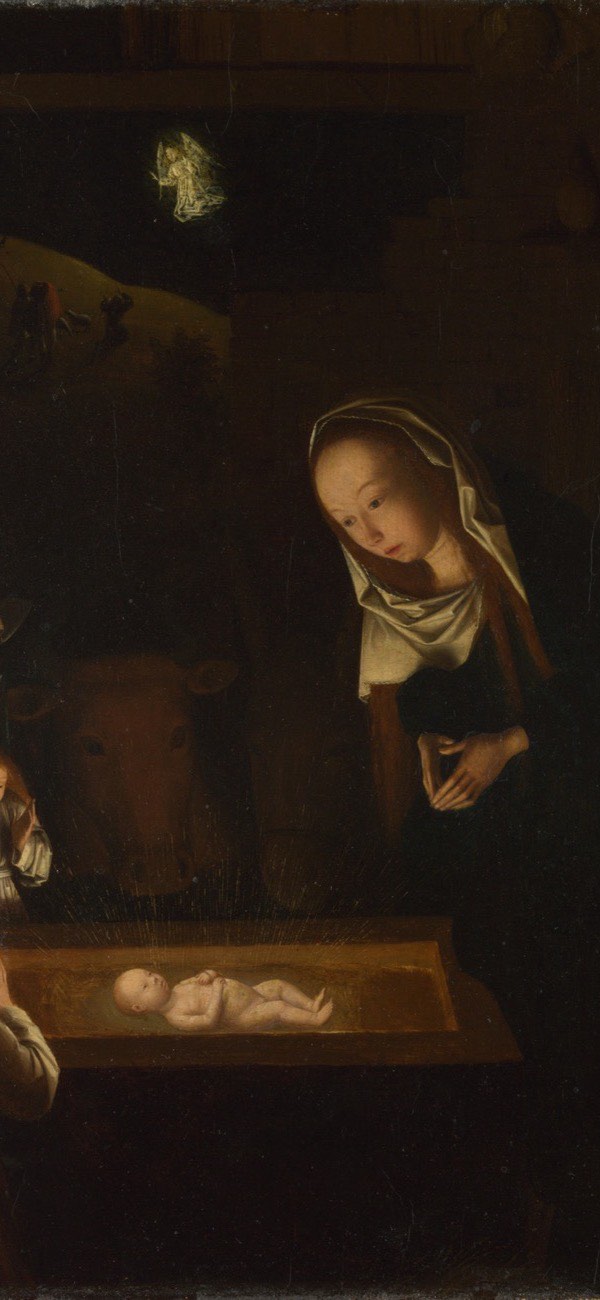
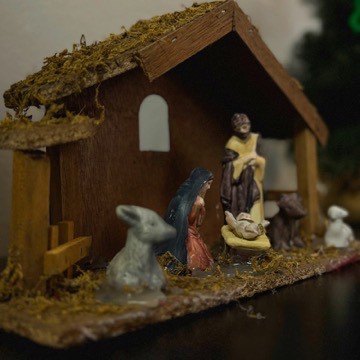
Out of the box, the Christmas countdown uses the app's own Christmas photo theme: a photo by Robert Hampshire (Unsplash) with the number set in Palatino Bold. Each of the 30 feasts has a photo theme of its own, so a widget on Auto changes its look as it moves from feast to feast. In the app's Widget Studio, swipe to the countdown page to:
- Use the liturgical colors instead of the photo: for Christmas, a gradient from deep green to red.
- Choose any Unsplash photo; the search opens on “nativity” for Christmas. Once you have picked a photo, you can also set how much it is darkened behind the text.
- Style the text with any of the app's 82 fonts, and set its color, size, alignment, bold or italic.
- Keep one text style for every feast, or give each feast its own.
The photo, colors and fonts apply to the Home Screen widget. The Lock Screen sizes use the Lock Screen's own font and tint, like every Lock Screen widget.