MySavior Get the app

Updated

Home Screen · small and medium

Bible verse widget for iPhone

MySavior's Bible Verse widget puts a Bible verse, a short prayer, a Christian reflection or an affirmation on your iPhone Home Screen, in a design you make yourself. It comes in small and medium sizes.

Choose from 500 built-in texts in 12 topics, style them with 110 themes or an Unsplash photo and 82 fonts, then place as many widgets as you like, each with its own saved design.

  • iPhone, iOS 18.6 or later
  • Small and medium
  • English
Home Screen

Illustration · real app content

Four kinds of text

What the Bible Verse widget shows

Each widget draws from MySavior's own library of 500 short texts, sized for a widget. You choose which kinds of text and which topics it may show.

Kind of textHow manyWhat they are like
Bible verses125From 39 books of the Bible, with the reference under the text. 34 come from the Psalms, then Isaiah, Matthew and Romans.
Prayers125“God, today, restore joy where grief has felt permanent. Amen.”
Christian reflections125“Shame says hide; grace says come closer.”
Affirmations125“In Christ, I am accepted, secure, and seen.”

12 topics

Every text belongs to one of 12 topics, such as Deep Peace (calming anxious thoughts) or Sacred Comfort (God's care in pain and loss). Pick the topics for the small and the medium widget separately in MySavior's Widget Studio. Each one needs at least two kinds of text and three topics.

GroupTopics
Walk With GodQuiet Trust, Living Grace, Holy Nearness and Open Hands
Heart and MindDeep Peace, Gentle Healing, True Identity and Sacred Comfort
Live It OutBright Hope, Steady Strength, Faithful Love and Grateful Heart

Prayer widget

A prayer widget for your Home Screen

Looking for a prayer widget for iPhone? Prayers are one of the four kinds of text in MySavior's Bible Verse widget. The app has 125 of them: short prayers of 56 to 110 characters that call on God (as Lord, Father or Jesus, for example) and close with “Amen.”

Prayers follow the same 12 topics as everything else. Choose Sacred Comfort, Gentle Healing and Deep Peace for prayers that carry you through grief and worry, or Grateful Heart, Bright Hope and Steady Strength for prayers of thanks, hope and courage. A widget needs at least two kinds of text, so pair prayers with reflections, affirmations or verses. The medium size gives the longer prayers room.

  • Jesus, today, quiet my soul so I can recognize your nearness. Amen.Holy Nearness
  • Father, today, carry me through grief one breath at a time. Amen.Sacred Comfort
  • Father, today, open my eyes to gifts I usually overlook. Amen.Grateful Heart

Illustration · prayers from the app

Aesthetic widgets

Make an aesthetic Bible verse widget

The look is yours to make. In MySavior's Widget Studio, start from an Unsplash photo, from your current app theme or from a blank widget, then adjust:

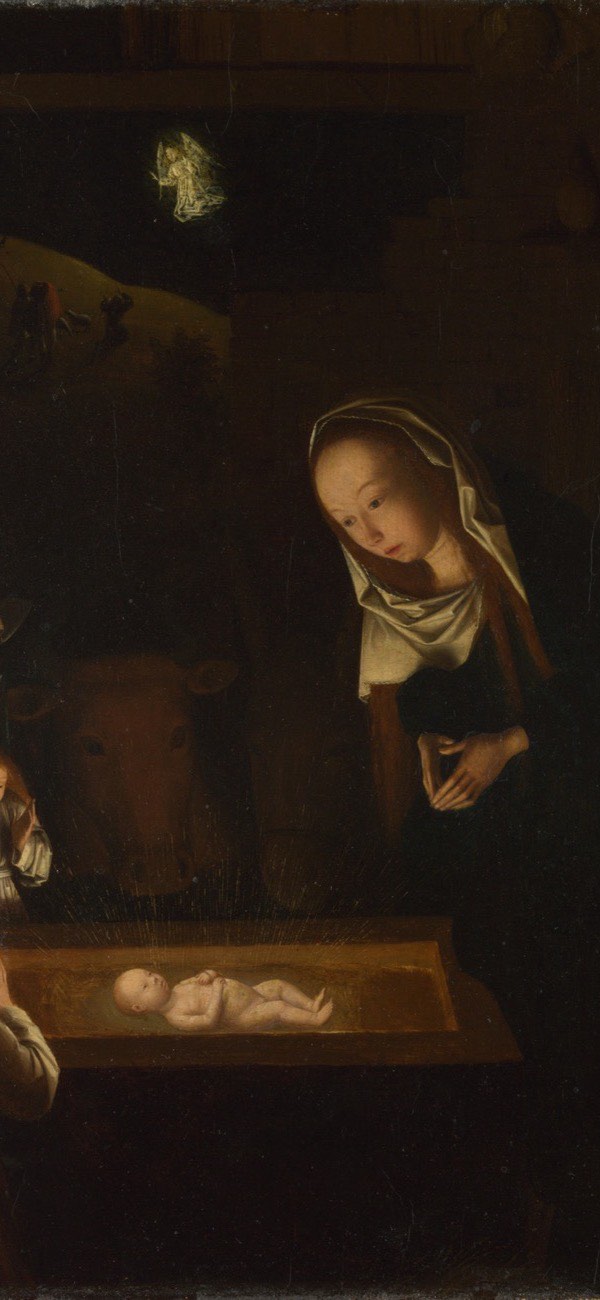
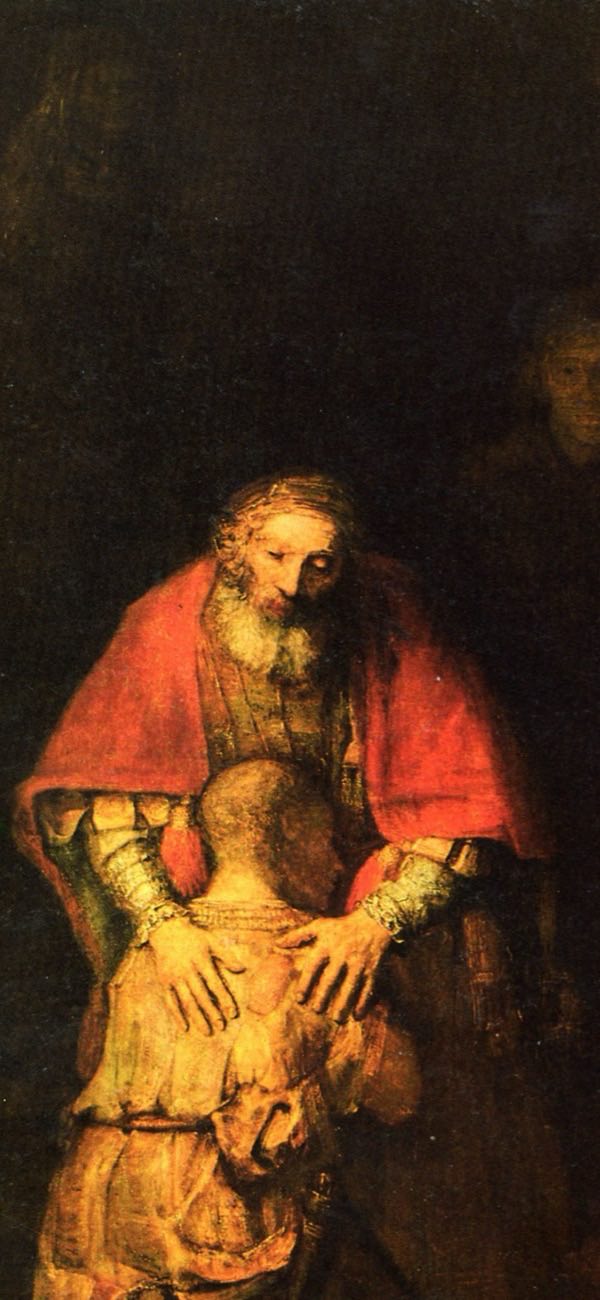
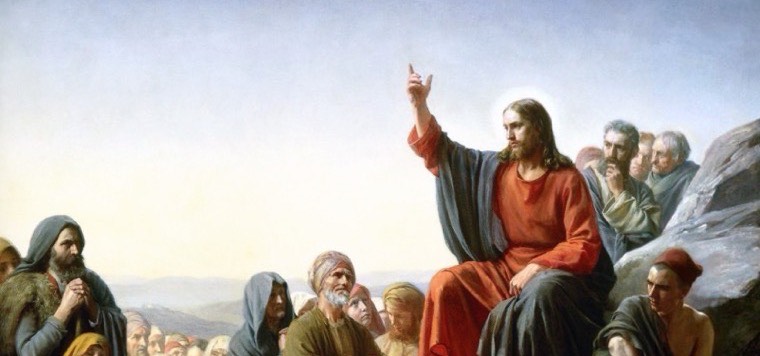
  • Background. 110 built-in themes: 24 plain gradients and 86 photo and art backgrounds (Jesus 27, Paintings 17, Minimalist 13, Cross 11, Misc 10 and Angel 8). The 17 paintings include Rembrandt's The Return of the Prodigal Son, Caravaggio's The Entombment of Christ and Bloch's Sermon on the Mount. Or search Unsplash, then zoom and drag the photo into place.
  • Type. 82 fonts in 6 groups (Serif, Sans-Serif, Modern & Display, Script & Handwriting, Typewriter & Mono and Casual & Fun), with bold, italic, underline, any text color, and left, centered or right alignment.
  • Readability. A text-size slider, and an overlay that darkens the photo by up to 65%.
  • Buttons. Keep Share and Like (plus Next on the medium size), or hide them for a cleaner look.

Six designs made from the same widget · illustration

Sizes

Small or medium?

The Bible Verse widget comes in the two Home Screen sizes below. There is no large size.

SmallMedium
ShapeSquare, the space of four app iconsWide, the space of eight app icons
Good forAffirmations and short reflectionsPrayers and longer texts
Optional buttonsShare, LikeNext, Share, Like
Saved designsYesYes

Share opens MySavior's share screen, so you can send the text as an image. Like saves it to your favorites in the app. Next shows another text from the kinds and topics you chose.

Saved designs

One design per widget

You can place several Bible Verse widgets and give each one its own look:

  1. In the Widget Studio, make a design for the small or the medium size, name it and save it.
  2. Add a Bible Verse widget of that size to your Home Screen.
  3. Touch and hold the widget, tap Edit Widget, then choose the design. The list shows every saved design with its size.

A widget set to a saved design keeps that design's look and the text it showed when you saved it, with no buttons. A widget without a saved design follows what you set for its size in the Widget Studio: the look, the kinds of text, the topics and the buttons.

Updates

Does the text change by itself?

No. The Home Screen widget keeps the same text until you tap one of the arrows on the medium widget, or change its kinds of text or topics in MySavior. It doesn't swap texts on a timer, so a design you like stays exactly as you made it.

If you'd like words that change on their own through the day, add a Lock Screen encouragement widget: short lines of faith, written for the Lock Screen, that change 24 times a day by default.

Thu 8God is my refuge.
9:41

Lock Screen encouragements · illustration

Setup

How to add the Bible verse widget to your iPhone

  1. Install MySavior and open it once, so its widgets appear in the iPhone widget gallery.
  2. Optional: in MySavior, open the Widget Studio, design your small or medium widget and save it.
  3. On the Home Screen, touch and hold an empty area until the apps jiggle, then tap Edit and Add Widget.
  4. Search for MySavior, choose Bible Verse, swipe to the small or medium size and tap Add Widget.
  5. To show a saved design, touch and hold the widget, tap Edit Widget and pick the design.

For more detail, see how to add a widget to the iPhone Home Screen.

At a glance

The Bible Verse widget in facts

Name in the widget galleryBible Verse
WhereiPhone Home Screen; on the Lock Screen, MySavior has encouragement widgets instead
SizesSmall and medium; no large size
Built-in texts500: 125 Bible verses, 125 prayers, 125 Christian reflections and 125 affirmations
Topics12, in 3 groups
Backgrounds110 themes (24 gradients, 86 photo and art) or any Unsplash photo
Fonts82 in 6 groups
ButtonsOptional: Next (medium), Like and Share
Several widgetsYes, each with its own saved design
Changes text by itselfNo: tap Next (medium), or change its topics in the app
OfflineYes, except the Unsplash photo search
RequiresiPhone with iOS 18.6 or later; English

Counts are checked against the app itself. The widget is one of 22 in MySavior, alongside the Christian Countdown, Saint of the Day and the Lock Screen widgets. See every MySavior widget.

Questions and answers

Can I choose which verses and prayers the widget shows?

You choose the kinds of text (Bible verses, prayers, Christian reflections and affirmations) and the topics, separately for the small and the medium widget, in MySavior's Widget Studio: at least two kinds and three of the 12 topics. The widget then shows a text from that selection. You can't type your own words into the Home Screen widget; to put your own text, such as a favorite verse, on your iPhone, use MySavior's wallpaper maker.

Does the Bible Verse widget change every day?

No. It keeps the same text until you tap one of the arrows on the medium widget or change its kinds of text or topics in MySavior, and a widget set to a saved design always shows that design's text. Of MySavior's text widgets, only the Lock Screen encouragements change on their own: 24 times a day by default.

Can I use a photo as the background?

Yes. In MySavior's Widget Studio, pick one of the 86 photo and art themes, including 17 classic paintings, or search Unsplash from inside MySavior, then zoom and drag the photo into place. Pictures saved on your iPhone can't be used as widget backgrounds.

Can I have several Bible Verse widgets with different designs?

Yes. Save each design in MySavior's Widget Studio, add one Bible Verse widget per design, then touch and hold each widget, tap Edit Widget and choose its design. Every widget keeps its own.

Does the widget work offline?

Yes. MySavior's 500 built-in texts, its themes and its fonts are stored on your iPhone; only the Unsplash photo search needs a connection. No account is needed.

MySavior app icon

Design your Bible Verse widget

MySavior for iPhone with iOS 18.6 or later: Bible Verse widgets in small and medium sizes, plus a feast countdown, Saint of the Day and Lock Screen widgets.

Download on the App Store